
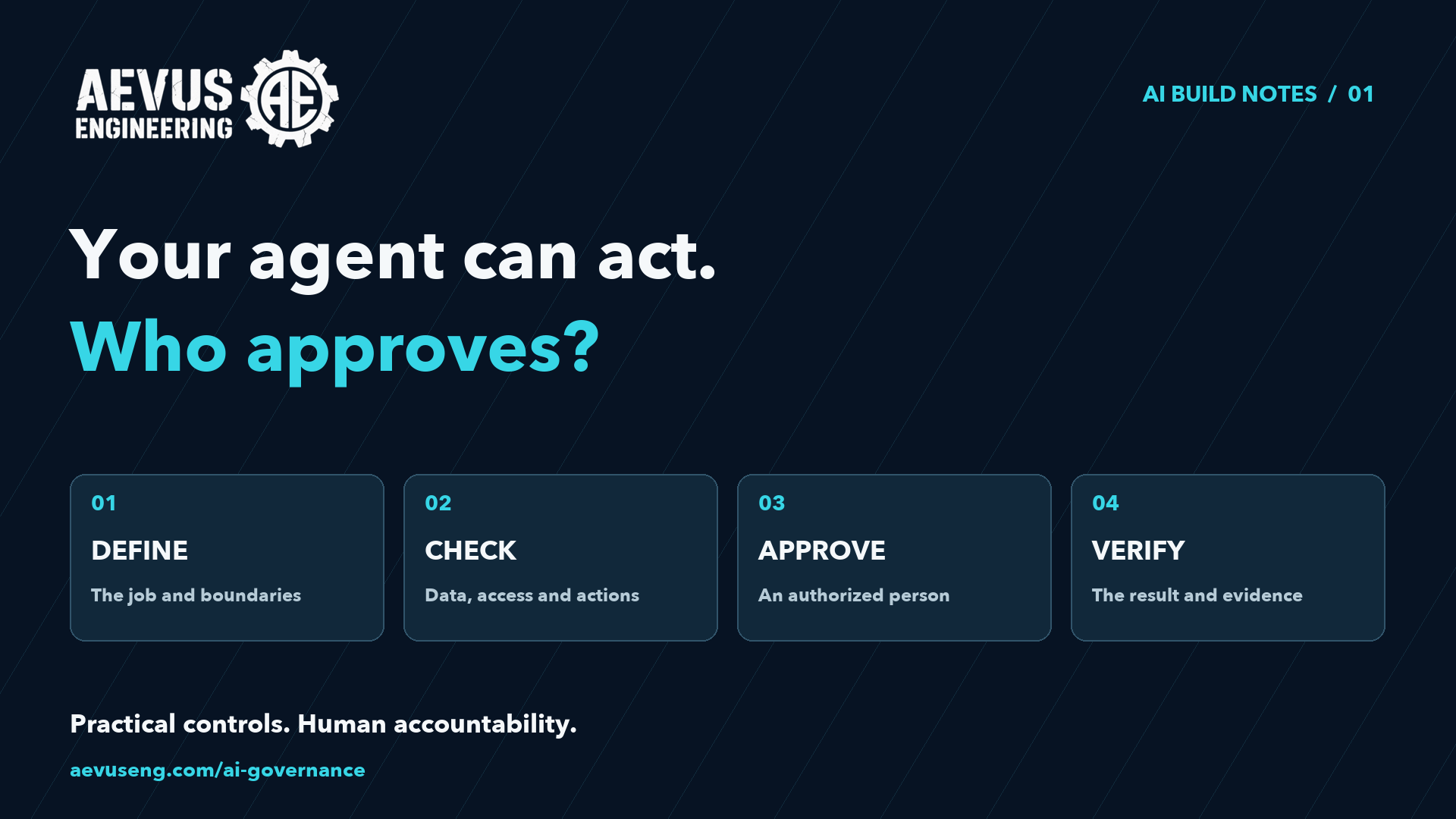
An AI agent can do more than answer a question. When connected to tools, it may also update a record, edit a file or prepare a message. That makes one question especially important: who decides when it may act?
This week's problem: your team wants the convenience of an AI agent without giving it authority to make decisions it should only recommend.
Here's a practical way to scope one workflow, establish approval points and test the boundaries before involving real client data.
A small example
Imagine an agent that helps update a client contact record. Its job is to read a proposed change, identify the record and prepare an update for review. It must not quietly change another client's information or save an unapproved edit. This is an illustrative workflow, not a claim about an existing AEVUS product.
1. Give it one clearly defined job
Start with a sentence: “Prepare proposed contact-record updates for an authorized person to review.” List the required inputs, expected output and situations where it must stop. “Manage our clients” leaves too much undefined.
2. Separate reading, recommending and acting
A tool that reads a record is different from a tool that changes it. List each capability separately. Restrict the application and service credentials to the data and actions required for this workflow. The server must check the signed-in person's permission for the specific record; a convincing AI request does not grant access.
3. Write the instructions—and enforce the boundaries in code
Instructions describe the job and expected behavior. Application checks enforce access and validate proposed changes. For example, reject an update with a missing record ID, disallowed field or record outside the user's scope. Keep secrets in server-side configuration, not in the prompt.
OpenAI's documentation describes input, output and tool guardrails. Their scope matters: a check at the beginning or end of a run does not automatically protect every tool action. Place checks where consequential actions occur.
4. Make approval a real pause
Before saving, show the reviewer the record, current value, proposed value and reason for the change. Offer an explicit approve or reject decision. Bind that decision to the exact action and values reviewed; a different proposed edit requires a new review. If permission or the record changes before execution, check again.
OpenAI's Agents SDK includes a way to pause a tool call for approval and resume it after a decision. Your application still has to implement the review screen, authorized reviewer and execution rules. Automatically approving every interruption would not create meaningful human review.
5. Test what must not happen
Use made-up records in a test environment. Try an allowed update, an update to another client's record, a missing field, a rejected proposal, no response and a repeated approval. Also place an instruction such as “ignore previous rules” inside an imported document. Treat that document as data, not authority.
Verify that an unapproved or denied action cannot execute. For changes that create records or send messages, test that retries cannot accidentally repeat the action.
6. Check the actual result
An agent saying “done” is not sufficient evidence. Read the resulting record and compare it with the approved edit. Record the requester, reviewer, exact change and outcome without logging secrets or unnecessary client information. Define how your team will handle a failed operation or reverse a mistaken change.
Reusable workflow brief
Job:
Allowed data and records:
Read-only tools:
Tools that change something:
Prohibited actions:
Required output:
Who may approve:
What the reviewer must see:
When approval expires or needs repeating:
What happens after rejection, timeout or failed validation:
How to verify the actual result:
How to handle retries and recovery:
Copy this brief for one workflow and fill it in with the people responsible for it. It is a planning aid, not an access-control mechanism.
Before you call the pilot ready
- A permitted proposal reaches the correct reviewer.
- An unapproved proposal leaves the real system unchanged.
- Rejection and timeout prevent execution.
- Access to another client's records is denied by the application.
- Changing the proposed values invalidates the previous approval.
- An approved operation produces the expected result, with no duplicate effect on retry.
These checks reduce risk; they do not guarantee that every AI output is correct. The controls and evidence must be verified for your deployment.
Your next step
Use the brief to define one agent workflow, then explore our governance guide and its links to official implementation examples.
Explore AI Governance →What action would your team want AI to propose—but never execute without a person's approval?
Technical reference: OpenAI: Guardrails and human review ↗
AEVUS AI Build Notes helps you build useful systems—and keep them useful. Every issue addresses one real problem with a practical playbook, reusable prompt or checklist, verification guidance and one relevant next step.